Admin Screen Guide
Administrators set up users, videos, integrations and the API token from Administration in the Web UI.
No need to edit .env or restart the server.
1. Register the first administrator
Section titled “1. Register the first administrator”Right after deployment there are no users, so register the administrator from the Web UI.
- Open the root URL in a browser (
http://localhost:3489with Docker). - While nothing is initialized, the setup screen (
/bootstrap) opens. - Enter an email address and a password (6 characters or more) and press Initialize.
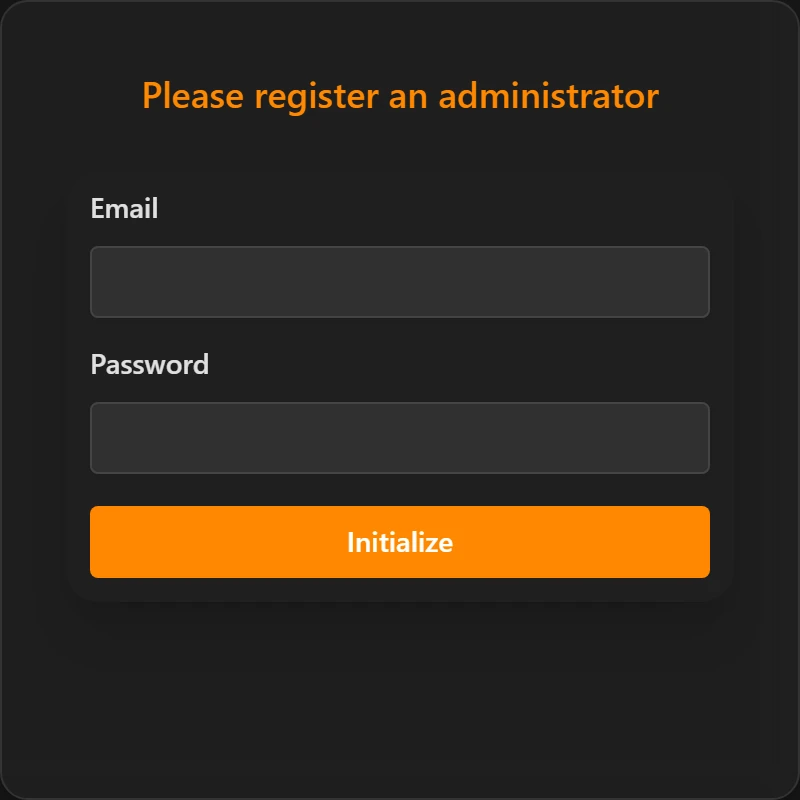
The user you register becomes an admin and stays logged in.
Note: there is no password reset screen, so keep the administrator's credentials safe.
2. Open Administration
Section titled “2. Open Administration”- Log in as an admin.
- Press the gear icon at the bottom left.
- Choose Administration.
The sections are listed on the left, and the selected one is shown on the right. Only admins see Administration.
3. Sections
Section titled “3. Sections”| Section | Details | Guide |
|---|---|---|
| General | Guest login, the login screen's default tab, the URL scheme, resolution presets, the upload chunk size | General guide |
| Users | List users, create them, change roles | Users guide |
| Videos | List videos, delete videos or revisions | Videos guide |
| Jira | Connect to Jira, create issues from comments | Jira guide |
| SSO (OIDC) | Connect an identity provider such as OneLogin, sign in with SSO | SSO (OIDC) guide |
| Slack / Webhook / Email | Where comments are announced | Notifications guide |
| AI / MCP | The LLM provider, chat search, AI agents | AI Features Guide |
| VCS | Connect to GitHub and show the code changes behind a video | VCS guide |
| API Token | The token the maintenance CLI and AI agents use | API Token guide |